 Matiné
Using Matiné
Watching
Home, resuming, episodes, subtitles and audio, and what never happens on its own.
Home
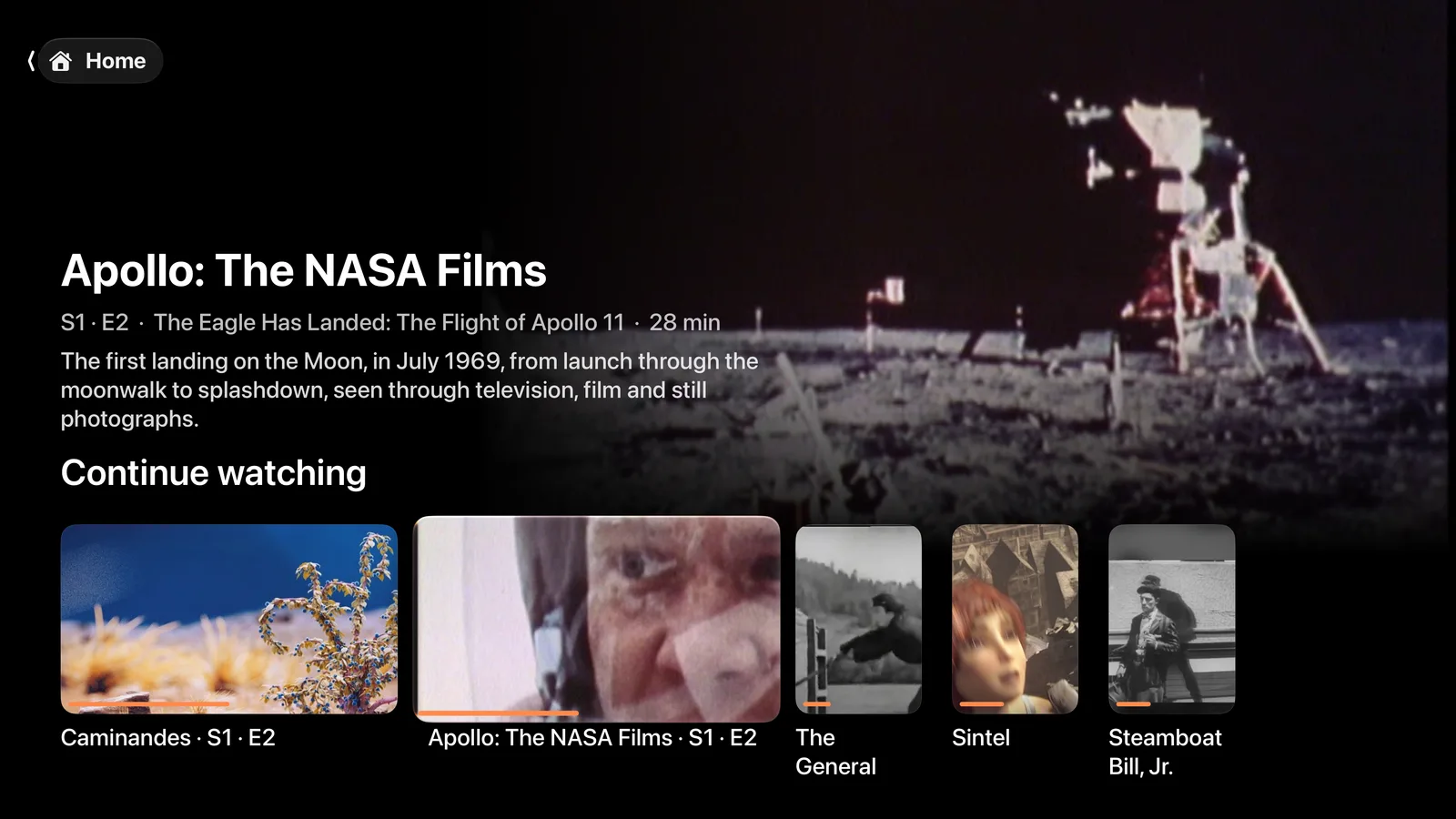
Home shows what you are in the middle of and what is new. The rows are Continue watching (what is half watched, then each series’ next episode), Pinned, and New in each library. On Apple TV the title you focus on shows its logo, facts and synopsis above the rows.
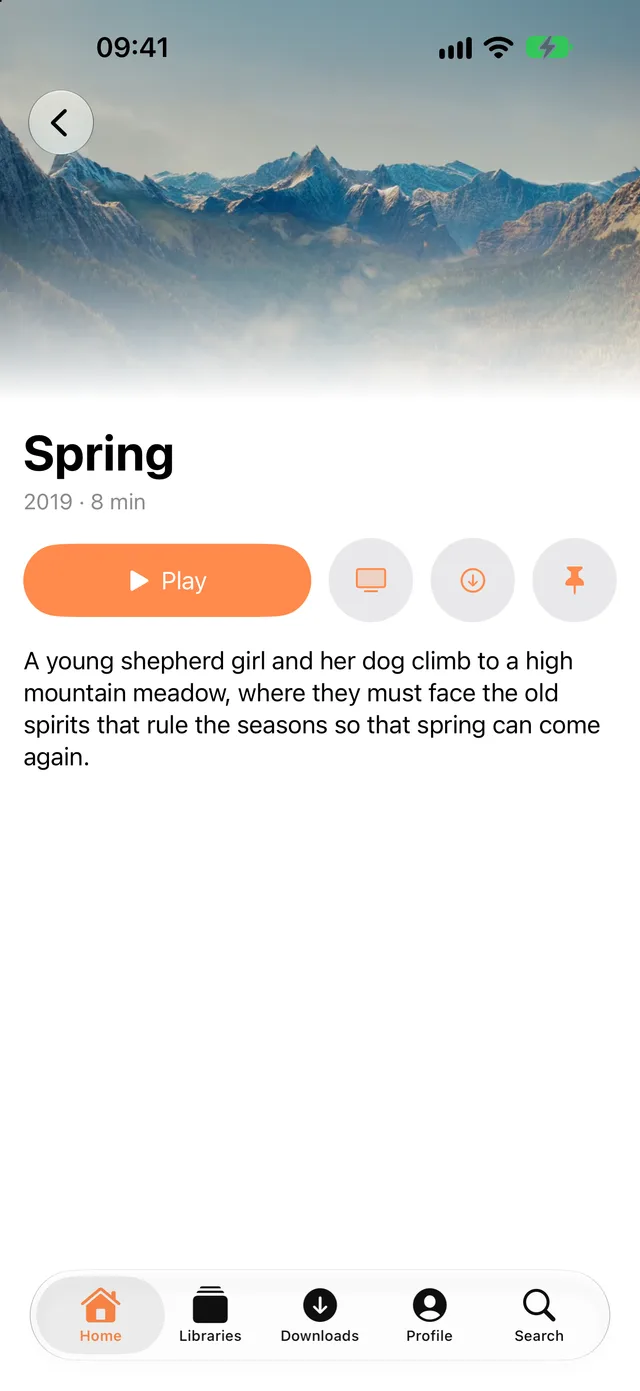
To pin a title to Home, choose Pin to home (Pin on iPhone and iPad) on its page, and Unpin to remove it. A pin is Jellyfin’s favorite flag on your server, so it belongs to the profile on every device.
Starting and resuming
Press Play on a film or a series. For a series, Play starts its next episode: Jellyfin’s “next up”, or else the first one you have not watched. A title you have started offers Resume and From the beginning (Continue and From the start on iPhone and iPad). All episodes lists every episode, and pressing Down from Play lands on the episode Play would start.
Matiné reports your progress to the server, so your resume points and watched marks match the Jellyfin web app and other Jellyfin apps.
It never autoplays the next episode
When an episode ends, it ends. Matiné never queues or starts another one by itself. You press Play when you want the next one.
Subtitles and audio
For files the player opens directly, each profile starts on the audio in its first language if the file has it. If the film’s audio is in a different known language, the profile’s subtitles are turned on when the file has them (for example a Spanish profile watching an English film gets Spanish subtitles). Audio with no language tag does not turn subtitles on. You can change audio and subtitles in the player, where the file offers them. For videos the server converts as it streams, the server’s own preferences apply.
What plays
Files in MP4, M4V or MOV with H.264 or HEVC video and AAC, AC-3 or E-AC-3 audio play as they are. Anything else (for example MKV) is converted by your Jellyfin server as it streams, which takes work from the server.
On iPhone and iPad
The player supports picture in picture. Downloaded videos play without a connection; see Downloads.