 Matiné
Getting started
Profiles
Avatars, PINs, grown-up and kid profiles, house rules, a language for each person, and how a profile reopens.
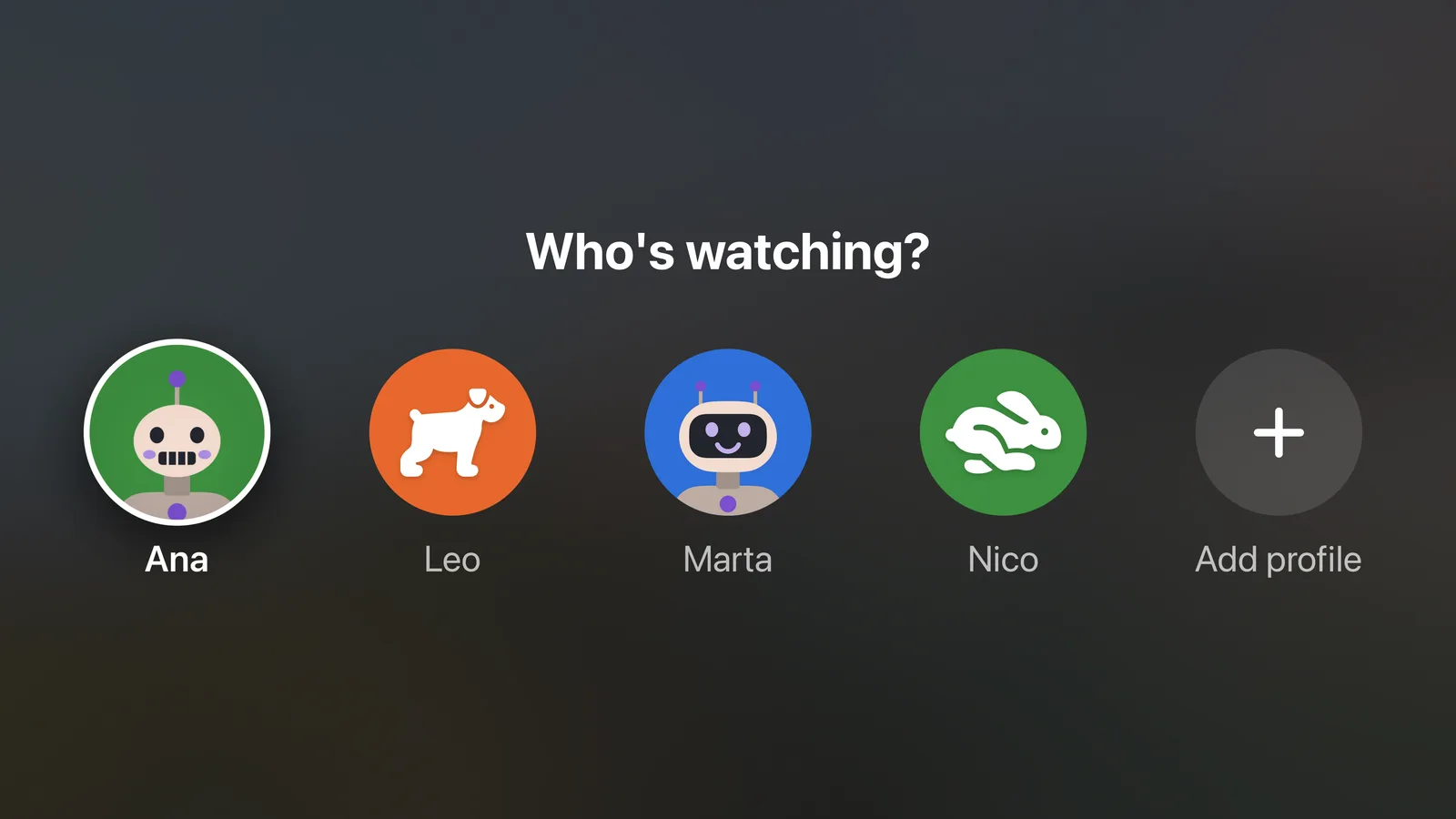
Every person in the house has their own profile, which is their own Jellyfin account on your server. Their resume points, watched marks and pinned titles are their own, and the app starts on the picker, Who’s watching? (¿Quién está viendo?).
Avatars
A profile’s avatar is a robot or an animal, on one of eight colors. Robots are drawn from a seed; More robots draws another one. On Apple TV, anyone can change their own avatar from their profile page (Change avatar).
PINs
A profile can have a four-digit PIN. A profile with a PIN does not open without it. Five wrong tries lock it for 30 seconds, and each further lockout doubles up to 15 minutes. Changing the date does not skip a lockout.
Set, change or remove a profile’s PIN from its profile page (Set a PIN, Change PIN, Remove PIN). Matiné has no way to reset a forgotten PIN; see Support.
Grown-up and kid profiles
A profile is either Adult or Kid. A kid profile:
- has no Search;
- cannot sign out;
- has no language, PIN or Pinned controls.
Its profile page has Approve another device, behind a grown-up’s PIN (once an adult has a PIN). On iPhone and iPad it also has Switch profile; on Apple TV, a Switch to row and Change avatar.
Grown-ups set the house rules from Household profiles (Perfiles de la casa) on an adult’s profile page on the Apple TV, which needs that adult’s PIN:
- rename profiles for the picker (Name on the picker);
- switch a profile between adult and kid.
Rules that protect them:
- There is always at least one adult.
- Once a kid profile exists, at least one adult profile must have a PIN. Removing the last adult PIN, or signing out the last adult who has one, is refused, so a kid cannot undo the setup.
- Once a kid profile exists, Add profile asks for a grown-up’s PIN.
- An adult profile without a PIN, in a house with kids, needs a grown-up’s PIN to get its first PIN or to sign out. It also says so on its home screen and profile page: a kid could simply pick it.
Language for each profile
Each profile has its own Language, English or Español (kid profiles have no control for it). The apps are written in both, and the choice also steers which audio and subtitle track a video starts on (see Watching).
Leaving and coming back
On the Apple TV, if the app is left (a stray press of Back, the screensaver, tvOS closing it) and you come back within 10 minutes, the same profile reopens without asking for its PIN again. After 10 minutes, a profile with a PIN is closed: the TV opens on the last profile without a PIN, or on the picker.
On iPhone and iPad a profile with a PIN closes as soon as you leave the app. A brief trip that leaves the app only inactive, such as opening Control Center or a notification, keeps it open for a minute. While a video is open (including picture in picture), locking waits until you close the video, or until you return after 10 minutes or more.
Signing out and removing
Sign out only affects the device you are on. Signing back in needs the password, or a code approved by another of your devices where this profile is still signed in (once that device’s Matiné has synced). Remove from all devices deletes the profile everywhere in your household; see The household.